What is GramFather?
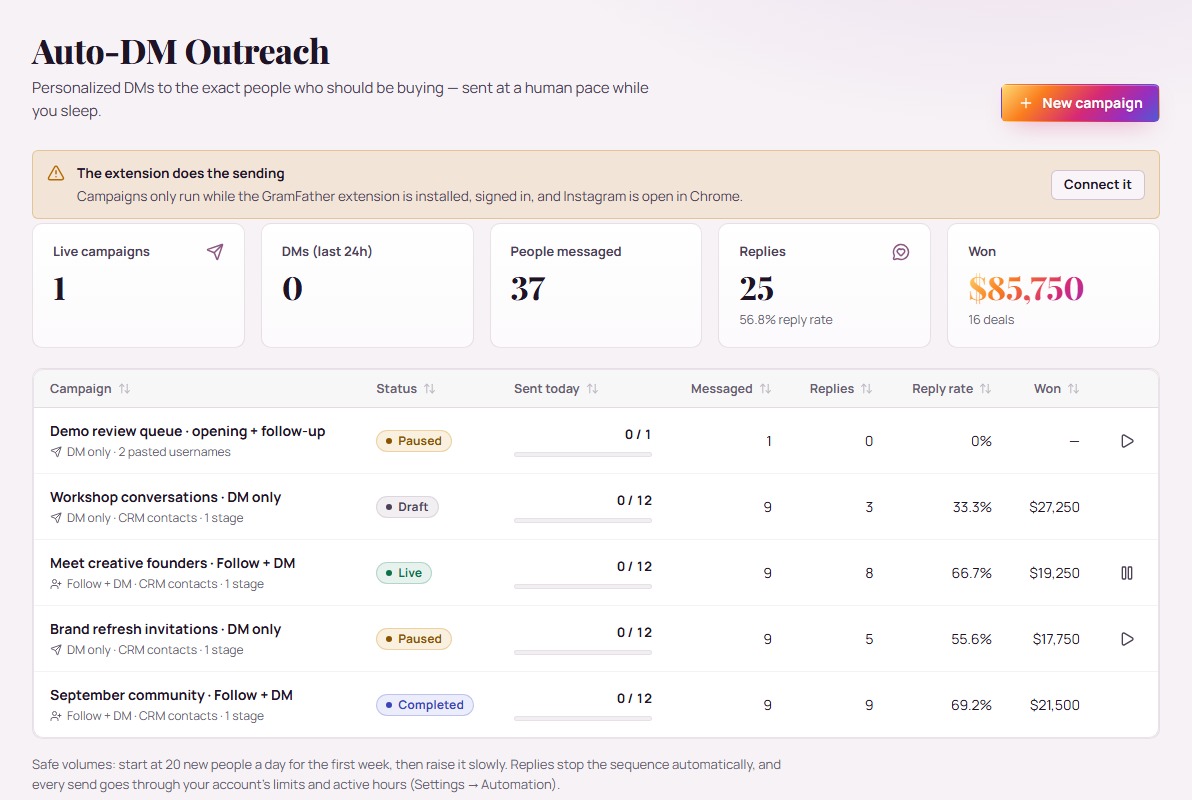
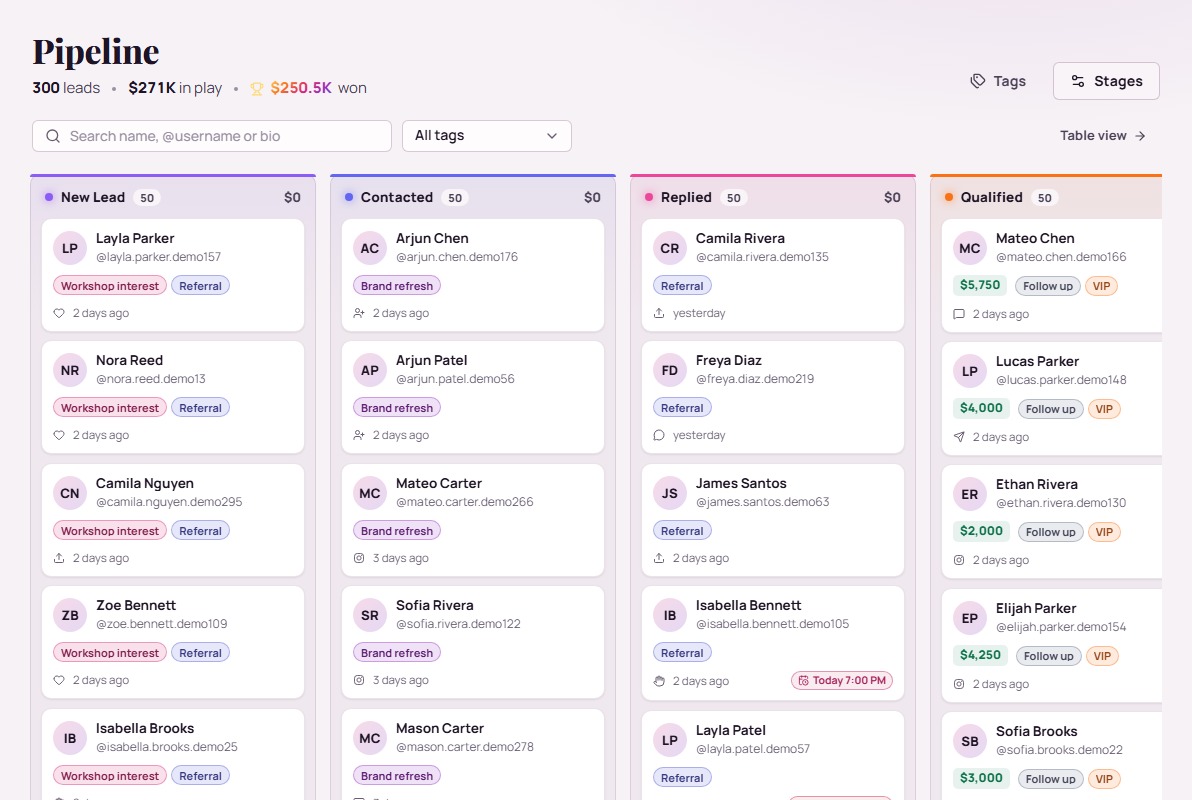
GramFather is Instagram marketing and CRM software by Vaughn Labs. Organize contacts, track follow-ups, plan content, and manage supported outreach and reply workflows from one workspace. Choose Starter, Growth, or Pro based on the accounts and features you need. Browser actions use the GramFather Chrome extension and your signed-in Instagram session.
How does the 14-day free trial work?
Pick Starter, Growth or Pro and sign up with your name and email. Verify your email, choose a password and add a card. We place a temporary hold for your plan’s first month to confirm the card, then release it right away. Nothing is charged for 14 days. Cancel anytime before then and you pay nothing. Keep it, and your plan bills monthly from day 15. AI features use your connected provider account; that provider bills its own usage.
Which plan is right for me?
Starter ($9/month) gives one Instagram account the full CRM, Follower Tracker, Scheduler and Auto-Caption. Growth ($49/month) puts your funnel on autopilot for two accounts: campaigns, AI DM replies, AI comment replies, Auto-Tag and Profile Snapshots. Pro ($99/month) adds Dream 100, Spotlight and API & MCP for five accounts with unlimited campaigns. Every plan gets the same account-safety limits. Selling GramFather to clients? See the Reseller Program.
What can I do inside GramFather?
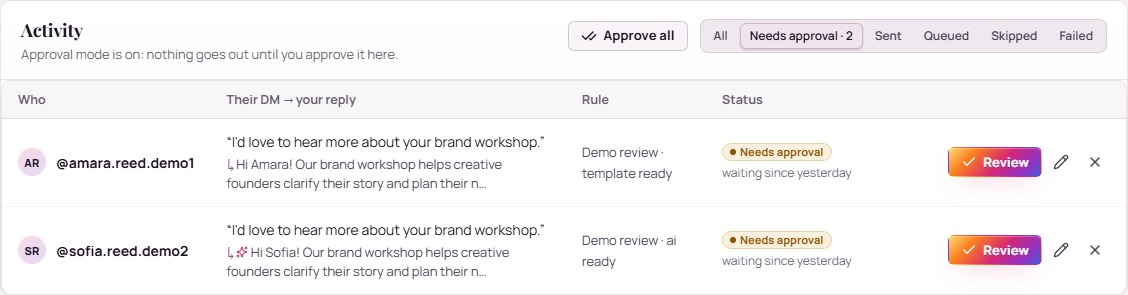
Research audiences, prepare engagement and DM campaigns, respond to messages and comments, organize contacts and follow-ups, create and schedule content, track followers and results, and connect with other members. Explore the real screens above, then start with the workflow that matters most to your business.
How do AI images, videos, and content plans work?
Connect OpenRouter for planning and captions, then choose a supported media model through OpenRouter or fal.ai. Give the planner a brief and schedule. Review the generated drafts, edit what you want, and approve content for scheduling. Your selected provider bills generation and regeneration usage separately.
Can I review AI messages before sending?
Yes. Use approval mode when you want to review AI messages before they go out. Set your business context and brand voice to guide the drafts. The Instagram overlay can also insert a saved reply into the composer for you to send yourself.
How do I start using Engagement Buddies and Follow for Follow?
Open Engagement Buddies to manage your member profile and connections. New members start public, and connected accounts receive founder buddy connections. You can send requests to other members, enable automatic mutual-follow matching, and share posts for buddy engagement. Manage visibility and agreements anytime. Actions use your connected extension and account limits.
Does my computer need to stay available?
For browser actions, yes. GramFather uses the Chrome extension and a signed-in Instagram session. Keep the required browser session and computer available, and choose the active hours you want to use.
How do I get access and help?
Verify your email during signup, then sign in to your workspace. Use the onboarding checklist, built-in help, and assistant support panel as you explore. Visit our support page if you need help getting started.
What results can I expect?
GramFather helps you organize and carry out your marketing. Results depend on your audience, offer, messages, and follow-through. Instagram’s rules and restrictions apply. Examples on this page illustrate workflows rather than customer results.